Introduction
Hello teachers, educators, students, parents as well educational administrators ! welcome again to my blog, this post is valuable to each one of you for the better future of our children’s academic achievement. I am Sir. Rajabu Mpella an Edutech enthusiast and a special needs education teacher let’s move together in talking about digital tools used in education.
As we all know that that world is changing rapidly, from analogy to digital wolrd, so the education system change as well. We move from chalkboard to smart board, from carrying twenty books in the bag to just having a laptop or tablet and everything is in there. Nowadays people no longer travel from Tanzania to United states to pursue a degree or masters degree, they just pursue it from home with a laptop and internet. Teachers do not need to get dirty themselves from chalks, smartboards solve everything.
Technology has penetrated in our everyday life, including the process of education. Thanks to the development of technology, nowadays there are lot of tools and techniques to make the education process innovative and teaching and learning more interesting. Traditional classroom teaching does not provide an immediate learning environment, faster assessment and greater engagement. In contrast, digital learning tools and technology fill this gap. Some of the efficiencies that such technologies offer are simply unsurpassed by traditional learning method.
With these rapid technological changes in education sector still in developing countries we face some challenges to shift our education systems from analogy to digital, though number of efforts from governments and non-government organizations have been established but still we move slowly. But at some point, we are at a right path toward transformed educational system with integration of information and communication technology (ICT). Some of schools have installed computer labs, some have smartboards, projectors and tablets. This is a notable move towards digital world in education sector.
Enough with my welcoming story on ICT integration on education system ? Okey now we are moving forward.
Digital Tools that Support Teaching and Learng
1. Learning Management Systems (LMS)
Learning management systems are digital tools designed to support the administration, delivery, and management of educational courses. They are also commonly referred to as virtual learning environments. LMS platforms are most notably used as primary tools for distance and online learning, but they also serve as effective supplements to traditional face-to-face instruction. Through an LMS, teachers can upload and organize digital learning content that students can access at any time via the Internet. Teachers and tutors typically have access to dashboards that allow them to monitor learner participation, track progress, and evaluate overall class performance. Learning materials on such platforms are provided in various formats, including recorded lectures, problem sets, and public discussion forums. These forums promote collaboration and communication, allowing learners to support one another throughout the learning process. A well-known example of such a platform is Google Classroom, Moodle, EdX, where more than 160 member universities offer learning content across a wide range of disciplines and curricula (Dahlstrom et al., 2014).

2. Video Conferencing Tools
Video conferencing tools enable individuals (educator and learners) who are geographically separated to communicate and interact in real time via the Internet. These systems record audio and video input from participants, encrypt the data, and transmit it securely to all connected users. Over time, video conferencing tools have evolved far beyond basic video calls. In addition to live video communication, they now support text-based messaging and traditional voice calls. Other widely used features include screen sharing, which is particularly useful for presentations and demonstrations, as well as remote desktop control, file storage and exchange, and integrated calendar applications for scheduling and managing meetings or online classes. These expanded functionalities have made video conferencing tools essential for online teaching, virtual meetings, and collaborative work environments. Example of well-known video conferencing tools for educators and learners are; Zoom, Google Meet, Microsoft Teams, WebEx, YouTube (Martin & Parker, 2014)

3. Digital Exam and Assessment Tools
Digital exam and assessment tools are used to design, administer, and evaluate assessments in electronic formats. These assessments can take various forms, such as multiple-choice tests, short-answer questions, or interactive problem-solving activities using games and simulations. One of the key advantages of digital assessment tools is their ability to evaluate student performance quickly, often automatically, and to provide immediate feedback to learners. This instant feedback supports learning by allowing students to identify strengths and weaknesses without delay. To reduce academic dishonesty, many digital assessment systems incorporate security measures such as disabling internet access during exams or monitoring candidates through online proctoring. Webcams may be used to observe examinees’ activities in real time. Teachers can access students’ results at any time and generate automated reports that help evaluate individual or group performance efficiently. Examples of digital exams and assessment tools are: Google Forms, Moodle Quiz, Microsoft Forms, Kahoot!, Quizizz, Socrative, Edpuzzle, ProctorU, Respondus LockDown Browser and Pearson MyLab and Mastering (Redecker & Johannessen, 2013).

4. Data Exchange and Cloud Systems
Data exchange and cloud systems facilitate the secure storage, sharing, and management of digital data. Unlike traditional storage methods that rely on local hard drives, cloud systems store data in logical pools located on remote servers. These servers may be distributed across multiple physical locations, ensuring reliability and accessibility. Authorized users can access cloud-based data from anywhere at any time using appropriate devices, and files can be modified or deleted as needed. Another major advantage of cloud computing is scalability; organizations can easily increase or decrease storage capacity depending on their needs. In addition to data storage, cloud systems also allow users to run full virtual machines, enabling more advanced computing tasks without the need for physical infrastructure (Sultan, 2010)

5. Game-Based Learning Tools
Game-based learning tools utilize elements of video games to make learning more engaging, interactive, and motivating for modern learners. Educational content is integrated with game mechanics such as challenges, rewards, levels, and feedback to achieve specific learning objectives. The underlying principle of game-based learning is that learners acquire knowledge and skills through repetition, experimentation, failure, and goal achievement. This mirrors the structure of most video games, where players begin with limited skills and gradually develop competence as they progress. As learners advance, they gain experience that enables them to tackle increasingly complex tasks. Game-based learning is particularly effective in interdisciplinary subjects, as it encourages the simultaneous application of multiple skills, including critical thinking, communication, and decision-making. Examples of widely used game-based learning tools include Kahoot!, Quizizz, Minecraft Education Edition, Classcraft, and Duolingo. (Hamari et al., 2016).
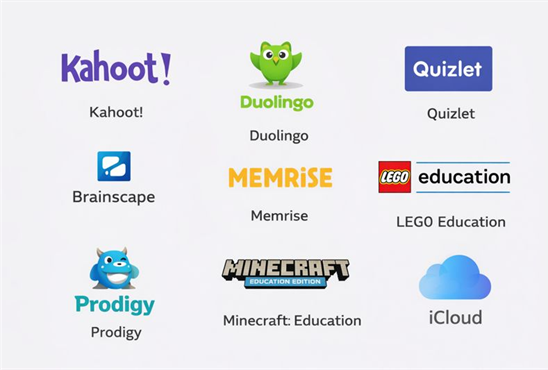
Picture showing Game-Based Learning Tool
6. Digital Library and Database Tools
Digital library and database tools are used to store and manage electronic resources on centralized servers. These resources can be accessed at any time via the Internet or, in some cases, through an organization’s internal network. Digital libraries may include e-books, digitized print materials, electronic journals, audio recordings, and video content. Users can be granted access to entire works or selected sections, depending on licensing and access rights. Systems can also be configured to allow users to read materials online only or to download them for offline use. Well-known digital libraries and databases include Project Gutenberg and Google Books. In addition to digital libraries, virtual libraries also exist. These do not store content themselves but instead act as intermediaries, directing users to electronic resources available across various online repositories. Examples include Project Gutenberg, Google Books, JSTOR, IEEE Xplore, and ScienceDirect. Digital libraries play a crucial role in supporting open access to knowledge and lifelong learning in digital education ecosystems (UNESCO, 2021).
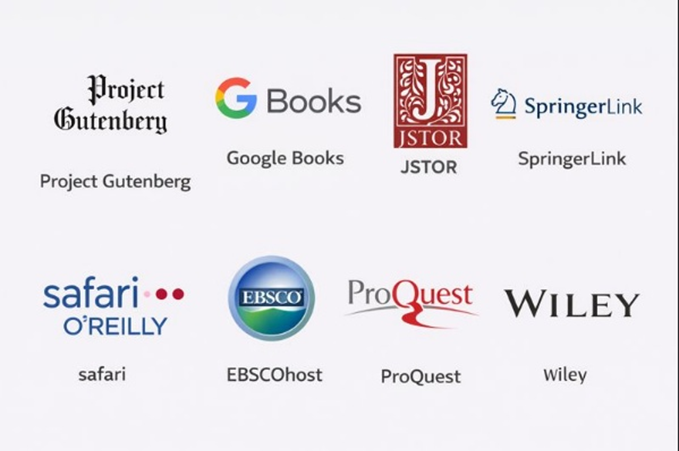
Picture showing Digital Library tools
7. Virtual and Remote Laboratory Tools
Virtual and remote laboratory tools enable learners to conduct experiments without being physically present in a laboratory. Virtual laboratories replicate real-world experiments within a digital environment, where computer simulations calculate experimental outcomes. This allows experiments to be conducted at any time and from any location. One major advantage of virtual laboratories is safety, as they provide a controlled environment in which potentially dangerous experiments can be performed without risk to users. Furthermore, virtual laboratories do not require physical materials or equipment, apart from the electricity needed to operate a computer. This makes them cost-effective and accessible, particularly in institutions with limited laboratory resources. Examples include PhET Interactive Simulations and other cloud-based virtual laboratory platforms widely used in science and engineering education. (Zacharia & Olympiou, 2011).
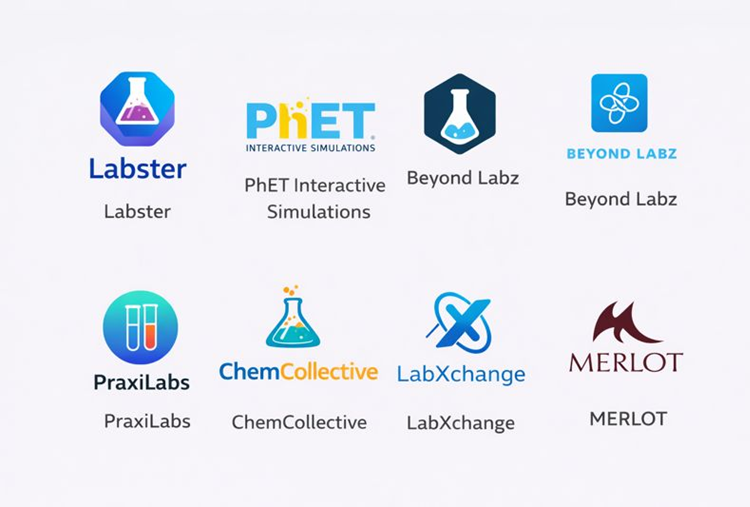
Picture showing Virtual labaratory tools for STEM subjects
8. Digital Whiteboard Devices
Digital whiteboard devices transfer the traditional classroom whiteboard into a digital environment. These tools can be categorized into software-based whiteboards integrated into video conferencing platforms and physical digital whiteboards installed in classrooms. Software-based whiteboards allow users to write, draw, and annotate content using input devices such as a mouse, stylus, or touch-sensitive display. To support effective collaboration, these systems may allow only one user to write at a time or enable multiple users to contribute simultaneously. Digital whiteboards also support the integration of images, graphs, and other multimedia elements, enhancing the clarity and richness of instructional content (Smith et al., 2005).

Picture showing a digital whiteboard (smart board)
About the Author